
Shutter Encoder
Shutter Encoder: The Professional Media Processing Creator
Shutter Encoder is a powerful media creator that enables anyone to convert and optimize video files with professional precision. Its robust interface lets you bring scripts to life by preparing high-quality proxies and master files, streamlining the creative process for editors and DITs across all major operating systems.
Why Use Shutter Encoder for Your Next Project?
Post-production pros often ask: is Shutter Encoder free? This software is a completely free, open-source resource (donationware) that provides features often locked behind expensive subscription walls. It serves as a vital Swiss Army knife for your workflow, ensuring you stay on schedule by handling complex transcodes, web encoding, and file repairs in one efficient package.
Key Features:
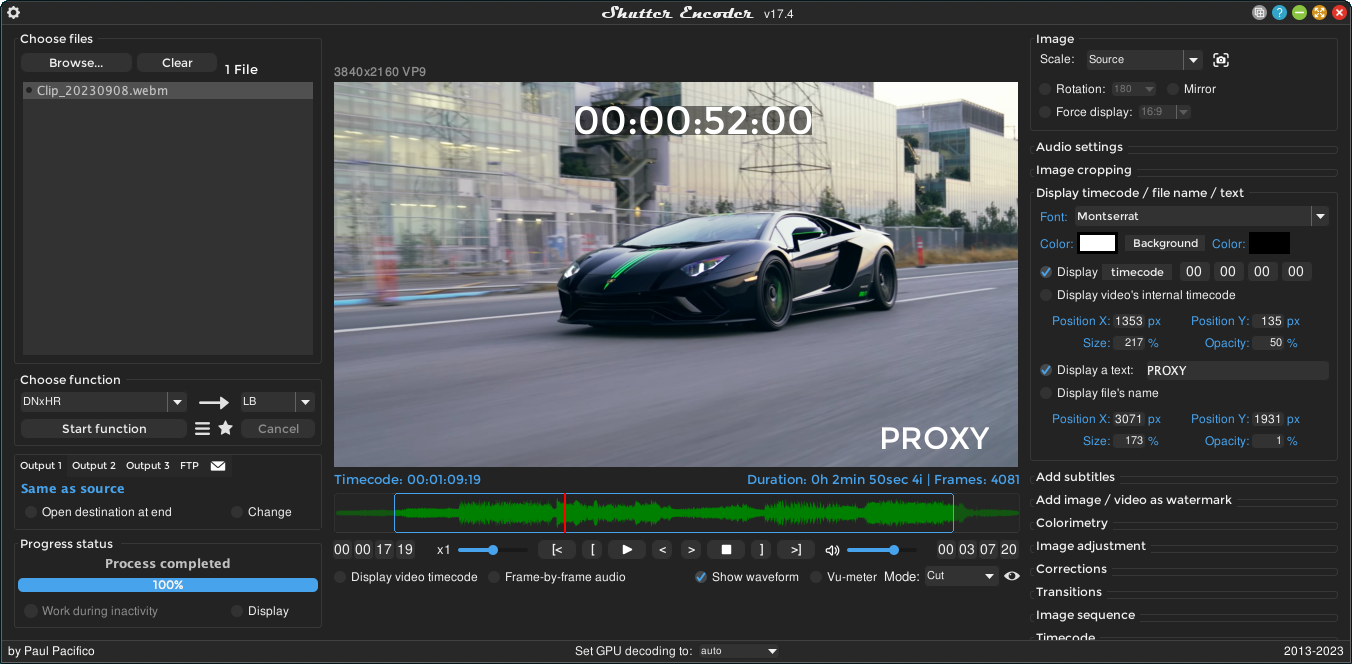
- Comprehensive Codec Support: Convert to professional formats like Apple ProRes, DNxHR, and AV1.
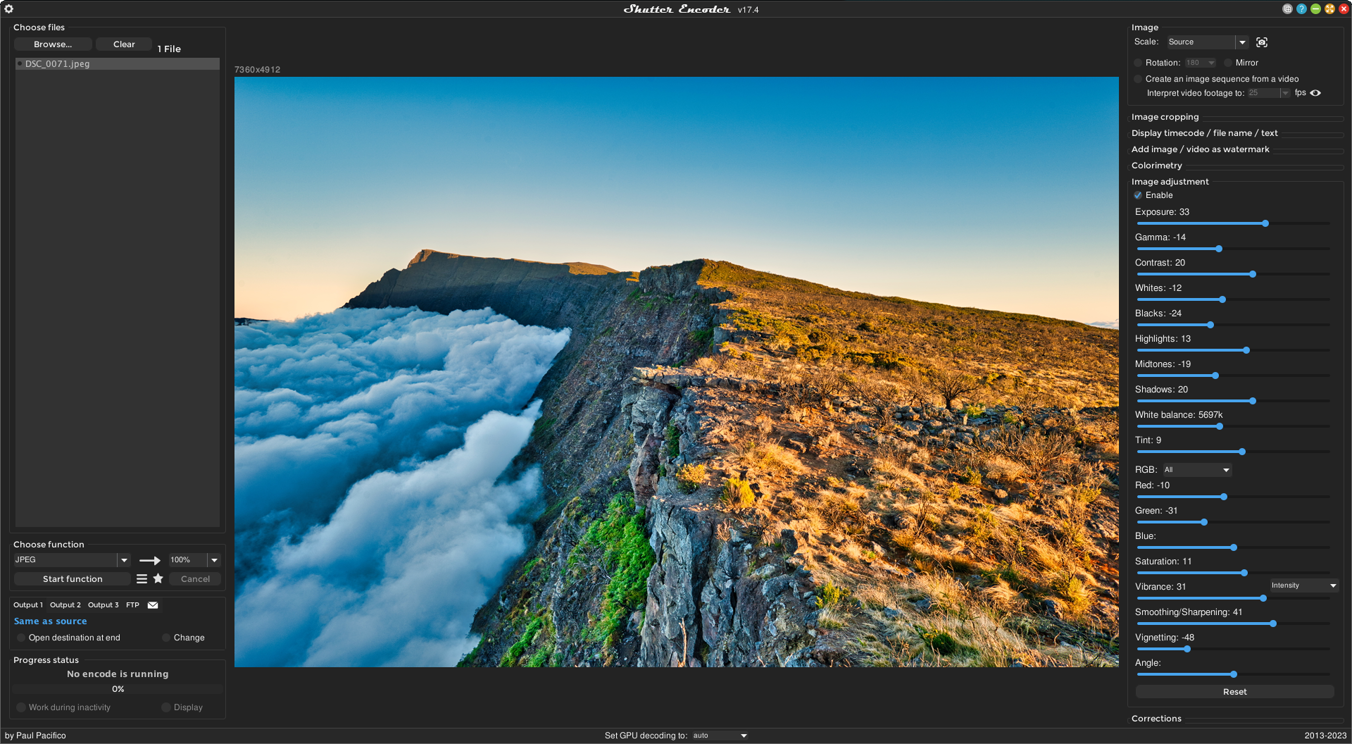
- Image Sequence Processing: Turn high-resolution photo sequences into smooth cinematic video.
- Built-in Media Player: Preview your files and set in/out points before starting a conversion.
- Advanced Metadata Tools: Edit and preserve vital file information for better organization.
How to Use Shutter Encoder for Film and Video
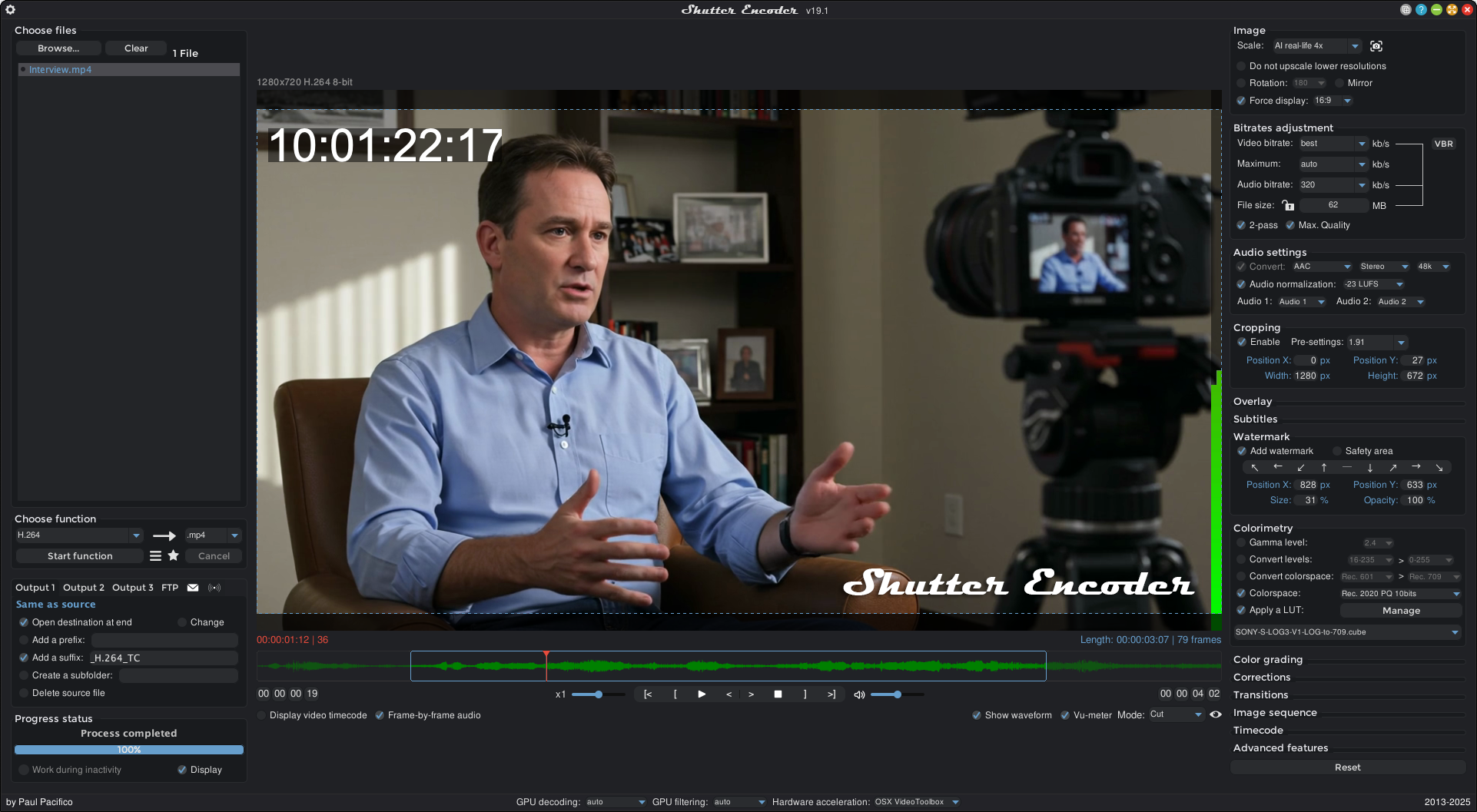
Learning how to use Shutter Encoder is simple: drag your files into the main window, choose your target function from the drop-down menu, and click start.
- Transcoding: Convert raw footage into edit-friendly formats like ProRes to improve timeline performance.
- Archiving: Compress large masters into efficient H.265 files for long-term storage without losing quality.
- DIT Tasks: Generate quick h.264 dailies with burned-in timecode for directors and producers to review.
Version Comparison
- Standard Version: Always free with all features unlocked. Users can donate to support ongoing development.
Reviews
No reviews yet