
Movie Magic Screenwriter
Movie Magic Screenwriter: The Ultimate Scripting Tool
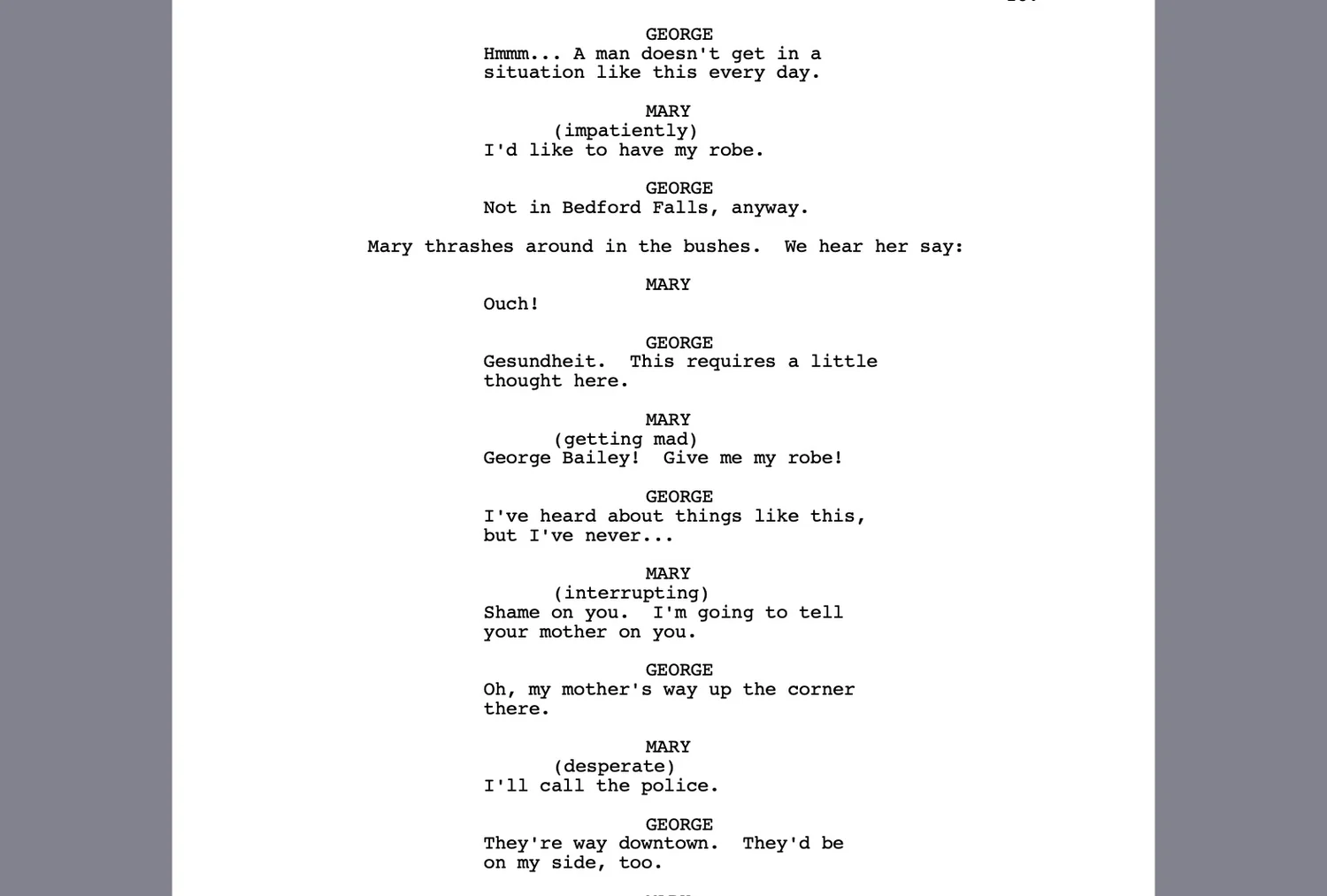
Movie Magic Screenwriter is a robust desktop creator that enables anyone to build professional scripts for film, television, and theater. Its intuitive engine lets you bring scripts to life by automatically placing scene headings, character names, and dialogue in their correct positions, streamlining the creative process for filmmakers and playwrights alike.
Why Use Movie Magic Screenwriter for Your Next Project?
Writers often ask: is Movie Magic Screenwriter free? While it is a premium industry-standard tool, the platform offers a demo version for users to test its extensive formatting features. Investing in the full version ensures your script follows all conventions required by agents, producers, and top-tier contests.
Key Features:
- Automated Formatting: Correctly places every script element from scene breaks to dialogue.
- Production Tools: Includes advanced features for tagging and breakdown exports.
- Multi-Media Support: Specialized templates for comic books, radio, and stage plays.
- Revision Tracking: Professional-grade color-coded revision modes for production.
How to Use Movie Magic Screenwriter for Production
Learning how to use Movie Magic Screenwriter is simple: select your project template and let the software handle the technical layout while you write.
- Drafting: Use Tab and Enter keys to toggle between character names and dialogue.
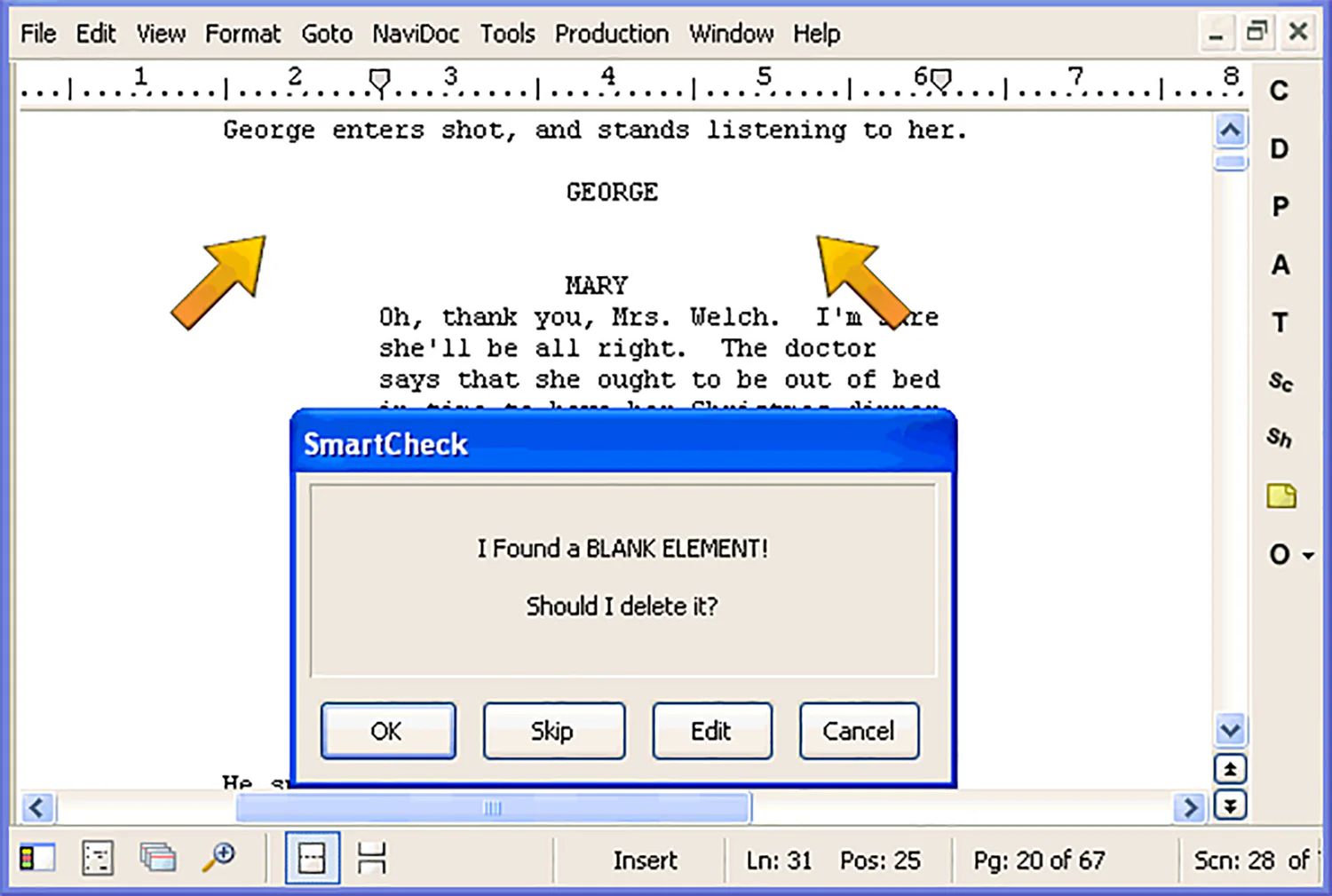
- Organization: Use the NaviDoc feature to outline and navigate your story beats.
- Finalizing: Export your work as a professional PDF ready for submission to producers.
Version Comparison
- Demo Version: Perfect for testing the interface and basic formatting tools.
- Full Academic: Discounted pricing for students and educators in film schools.
- Professional License: Full access to all production features and dedicated tech support.
Reviews
No reviews yet