
FrameForge 3D Studio
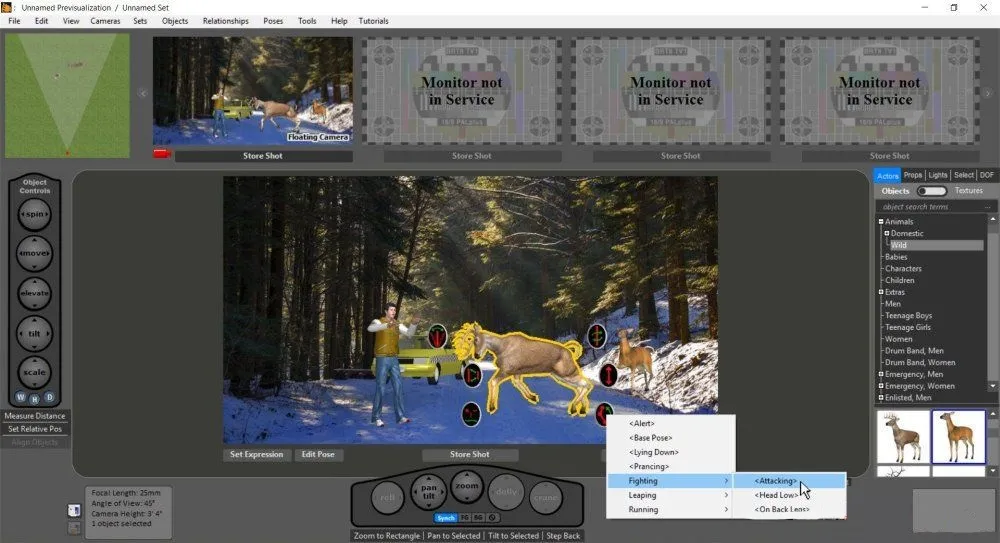
FrameForge 3D Studio: The Ultimate Previsualisation Tool
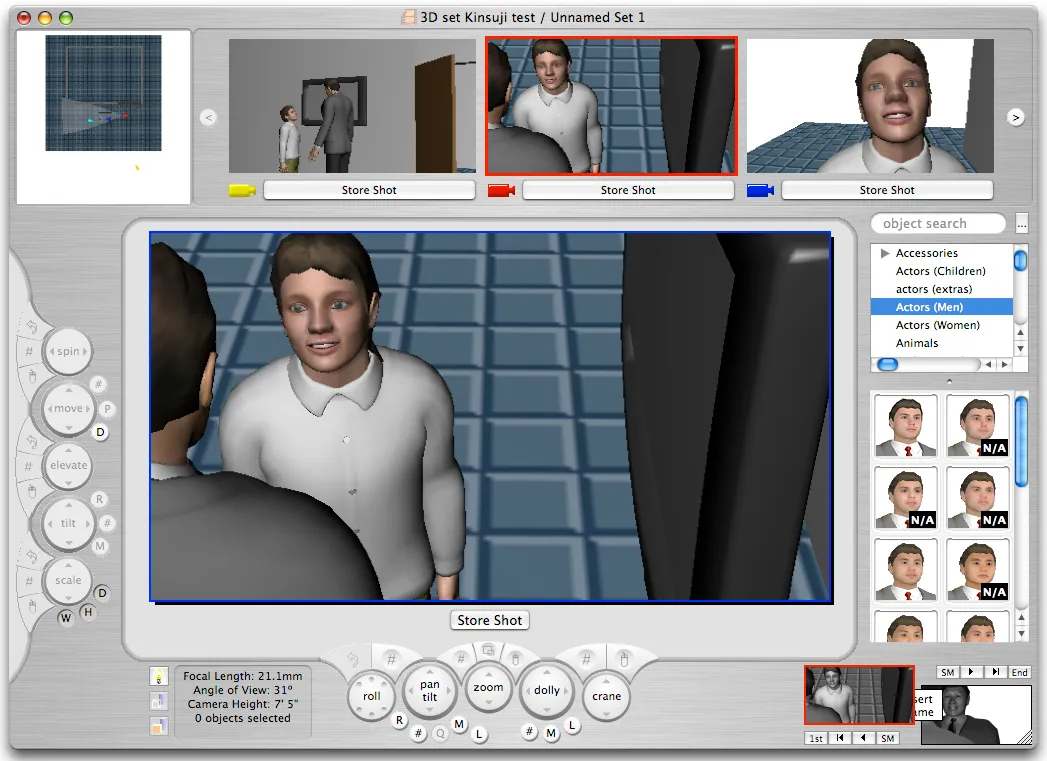
FrameForge 3D Studio is a virtual studio creator that enables anyone to build professional storyboards and technical visual presentations. Its intuitive 3D interface lets you bring scripts to life without advanced drawing skills, streamlining the creative process for filmmakers and cinematographers alike by using real-world camera optics.
Why Use FrameForge 3D Studio for Your Next Project?
While the platform is a premium professional tool, its ability to solve complex blocking and lighting issues saves thousands of dollars in production costs, making it a vital investment for serious creators.
Key Features:
- Optical Accuracy: Use real-world focal lengths, camera heights, and sensor sizes.
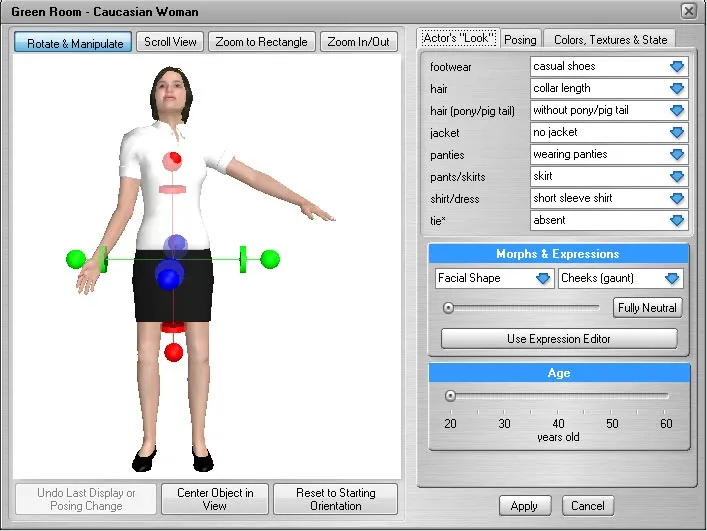
- Actor Customization: Pose and dress virtual actors to match your vision perfectly.
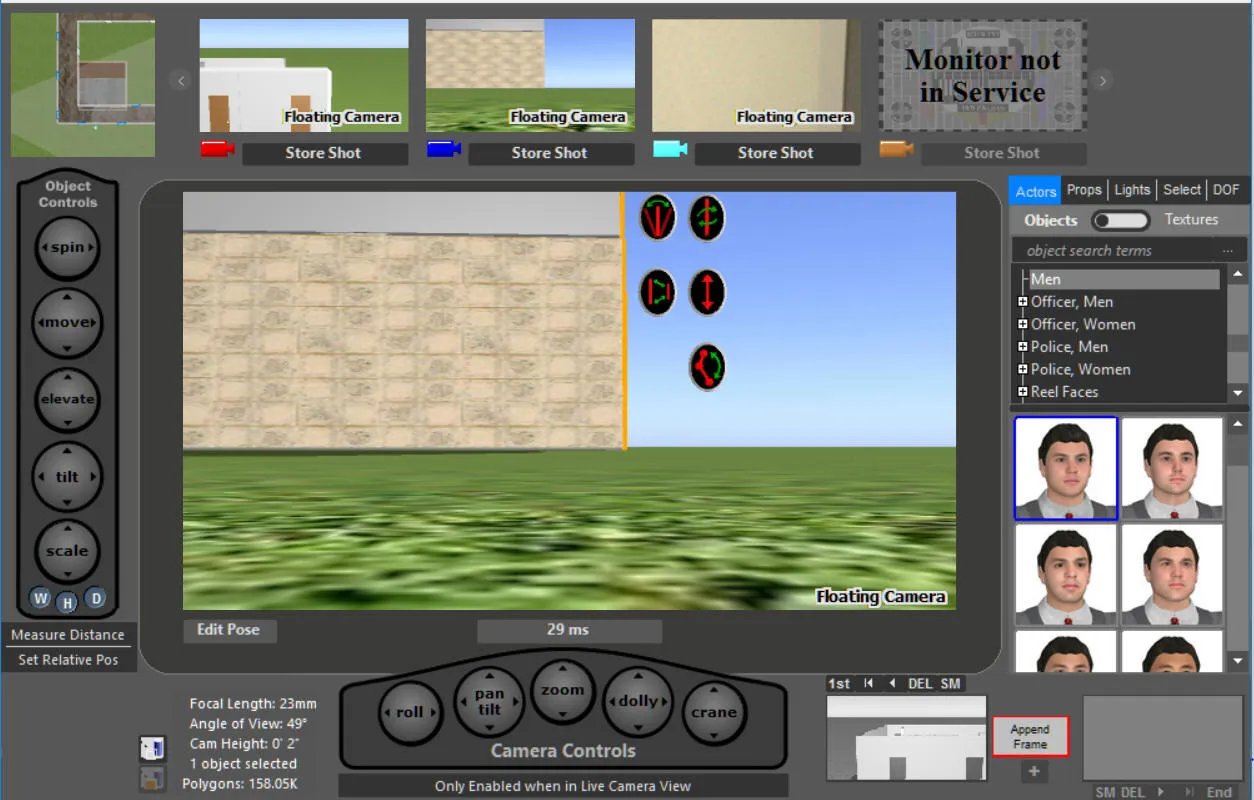
- Technical Data: Automatically generate camera reports with lens info and angles.
- Set Building: Create 360-degree environments to test every possible shot.
How to Use FrameForge 3D Studio for Film and Video
Getting the hang of it is easy: set up your actors in the 3D space and look for the perfect shot using the virtual cameras.
- Film & Video: Map complex camera movements and lens choices before arriving on set.
- Commercials: Present high-end, accurate storyboards to clients for faster approvals.
- Technical Planning: Solve physical space constraints in your locations before the shoot.
Version Comparison
- Core Version: Best for independent directors needing solid pre-viz.
- Pro Version: Features advanced lighting, shading, and multi-camera support.
- Stereo Version: Includes specialized tools for 3D stereoscopic productions.
Reviews
No reviews yet