
Final Draft
Final Draft: The Ultimate Professional Script Creator
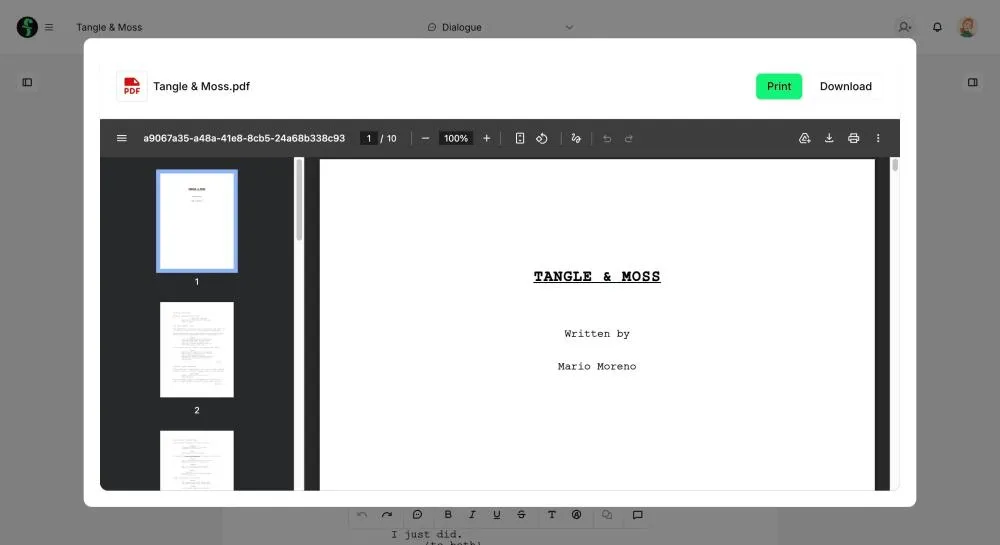
Final Draft is a powerful word processor that enables anyone to build professional movie scripts, television episodics, and stage plays. Its intuitive engine lets you bring stories to life by automatically handling pagination and style, streamlining the creative process for filmmakers and professional writers worldwide.
Why Use Final Draft for Your Next Project?
Aspiring writers often ask: is Final Draft free? While it is a premium industry standard, the platform offers a trial version for users to test its professional features. A paid license provides a self-contained, easy-to-use package that ensures your work meets the strict formatting rules required by major studios.
Key Features:
- Auto-Formatting: Automatically formats and paginates scripts as you write.
- Tagger Application: Prepare your script for seamless export into budgeting and scheduling.
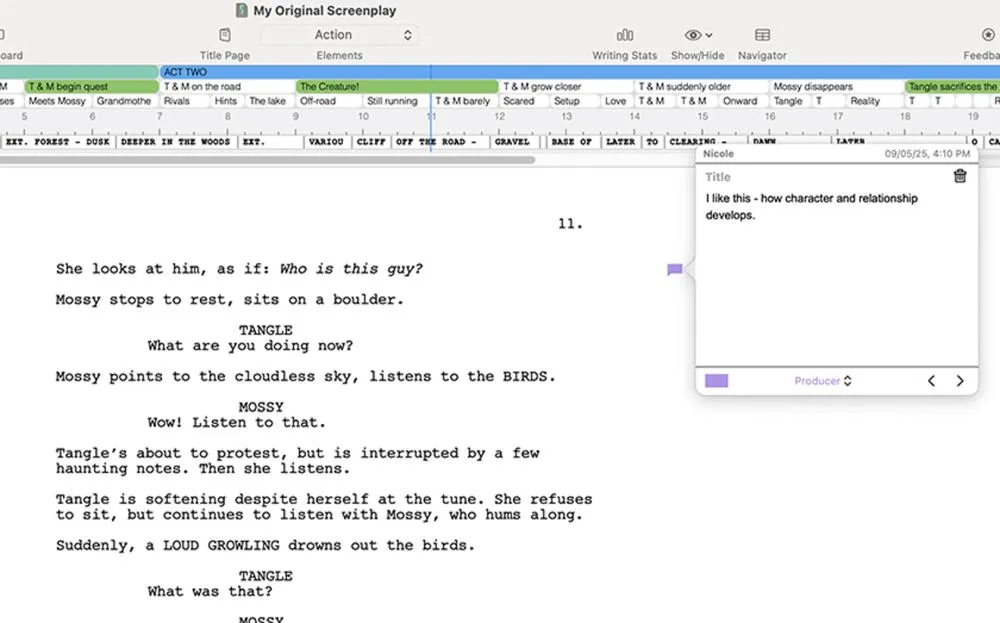
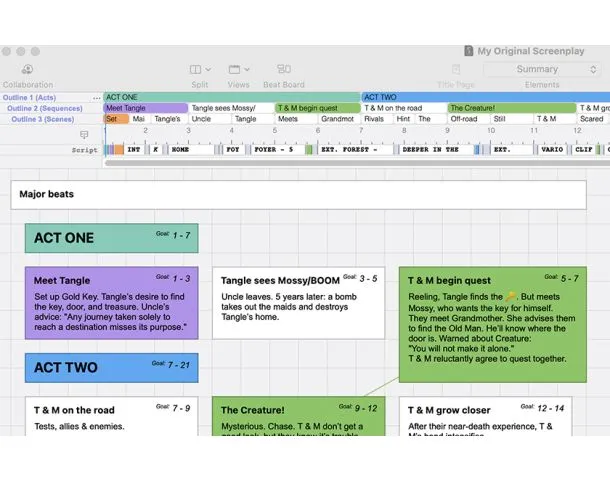
- Story Planning: Advanced tools for outlining and high-level story mapping.
- Stage Management: Excellent features for coordinating live theater productions.
How to Use Final Draft for Film and TV
Learning how to use Final Draft is simple: focus on your creative energy and let the software handle the technical layout.
- Scripting: Type dialogue and action while the system manages margins and headers.
- Production Prep: Use the integrated Tagger tool to break down scripts for filming.
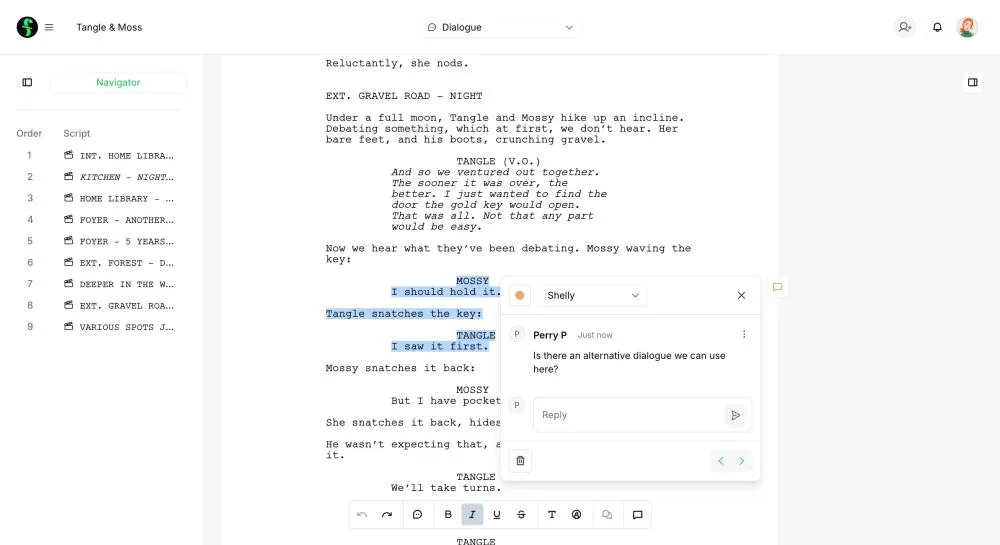
- Collaboration: Use cloud features to share and edit drafts with production partners.
Version Comparison
- Trial Version: Best for exploring the interface and basic script features.
- Full License: Includes the complete suite of formatting and production tools.
- Educational: Discounted rates for students and teachers in film programs.
Reviews
No reviews yet