
FFmpeg
FFmpeg: The Ultimate Multimedia Processing Creator
FFmpeg is a leading cross-platform creator that enables anyone to record, convert, and stream digital audio and video. Its powerful command-line interface lets you bring scripts to life by automating complex media tasks, streamlining the creative process for developers, engineers, and high-end post-production houses.
Why Use FFmpeg for Your Next Project?
Technical users often ask: is FFmpeg free? This software is a completely free, open-source resource under the LGPL/GPL licenses. It serves as the hidden engine behind many famous video apps, ensuring you stay on schedule by providing the most stable and comprehensive library of codecs and filters available today.
Key Features:
- Universal Format Support: Decodes, encodes, and transcodes almost any file format ever created.
- Filtergraph Power: Apply complex video filters like scaling, cropping, and color space conversion in a single step.
- Bitstream Manipulation: Edit file metadata and stream headers without re-encoding the original video.
- Broadcasting Tools: Stream live content directly to servers via RTMP, HLS, or DASH protocols.
How to Use FFmpeg for Film and Video
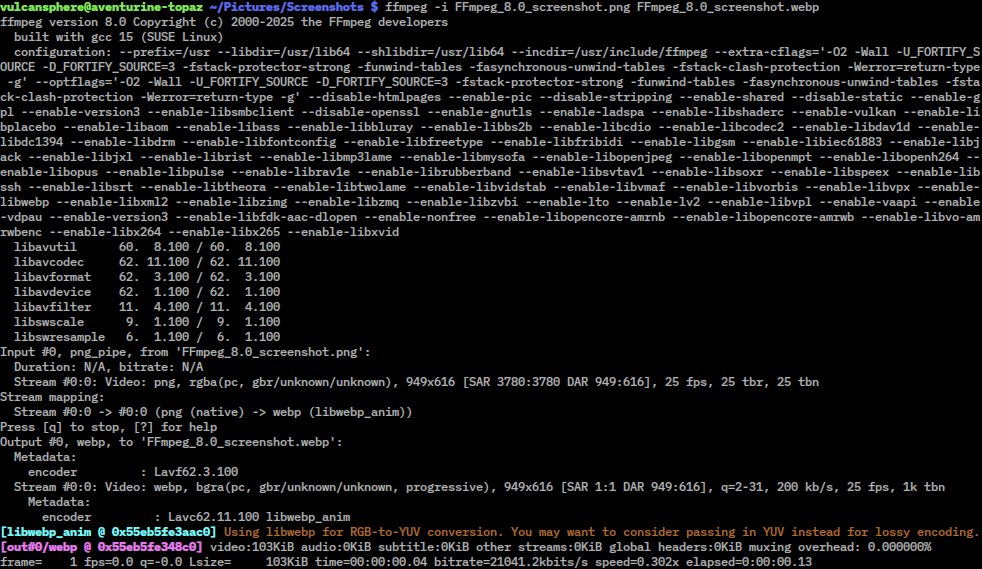
Learning how to use FFmpeg involves entering simple commands into your terminal to process files without a heavy graphical interface.
- Conversion: Use basic terminal flags to change a heavy 4K file into a lightweight proxy for editing.
- Extraction: Quickly pull high-quality audio tracks from video files without loss of fidelity.
- Batch Processing: Create custom scripts to automate the transcoding of thousands of files simultaneously.
Version Comparison
- Git Master: The cutting-edge version with the absolute latest features and codec updates.
- Release Versions: Stable builds recommended for critical production environments and professional servers.
Reviews
No reviews yet