
DaVinci Resolve
DaVinci Resolve: The Ultimate Post-Production Creator
DaVinci Resolve is a professional editing creator that enables anyone to produce high-end cinema and broadcast content. Its advanced node-based system lets you bring scripts to life with world-class color grading, visual effects, and audio post-production, streamlining the creative process for independent filmmakers and major studios alike.
Why Use DaVinci Resolve for Your Next Project?
Creators often ask: is DaVinci Resolve free? Blackmagic Design offers a remarkably powerful free version that includes almost all the features needed for professional 4K editing. It serves as an all-in-one production hub, ensuring you stay on schedule by combining editing, color, VFX, and audio into a single, high-performance application.
Key Features:
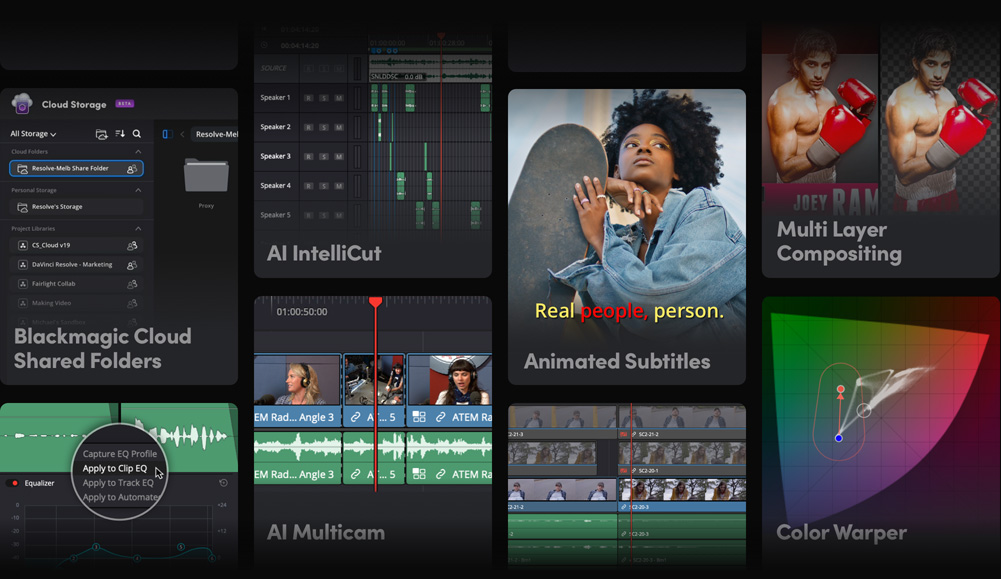
- Hollywood Color Grading: Access the industry’s most advanced primary and secondary color correction tools.
- Fusion Visual Effects: Create cinematic 2D and 3D effects within a node-based workspace.
- Fairlight Audio: Record, edit, and mix professional audio with a dedicated digital audio workstation.
- Neural Engine AI: Use artificial intelligence for facial recognition, object isolation, and smart reframing.
How to Use DaVinci Resolve for Film and Video
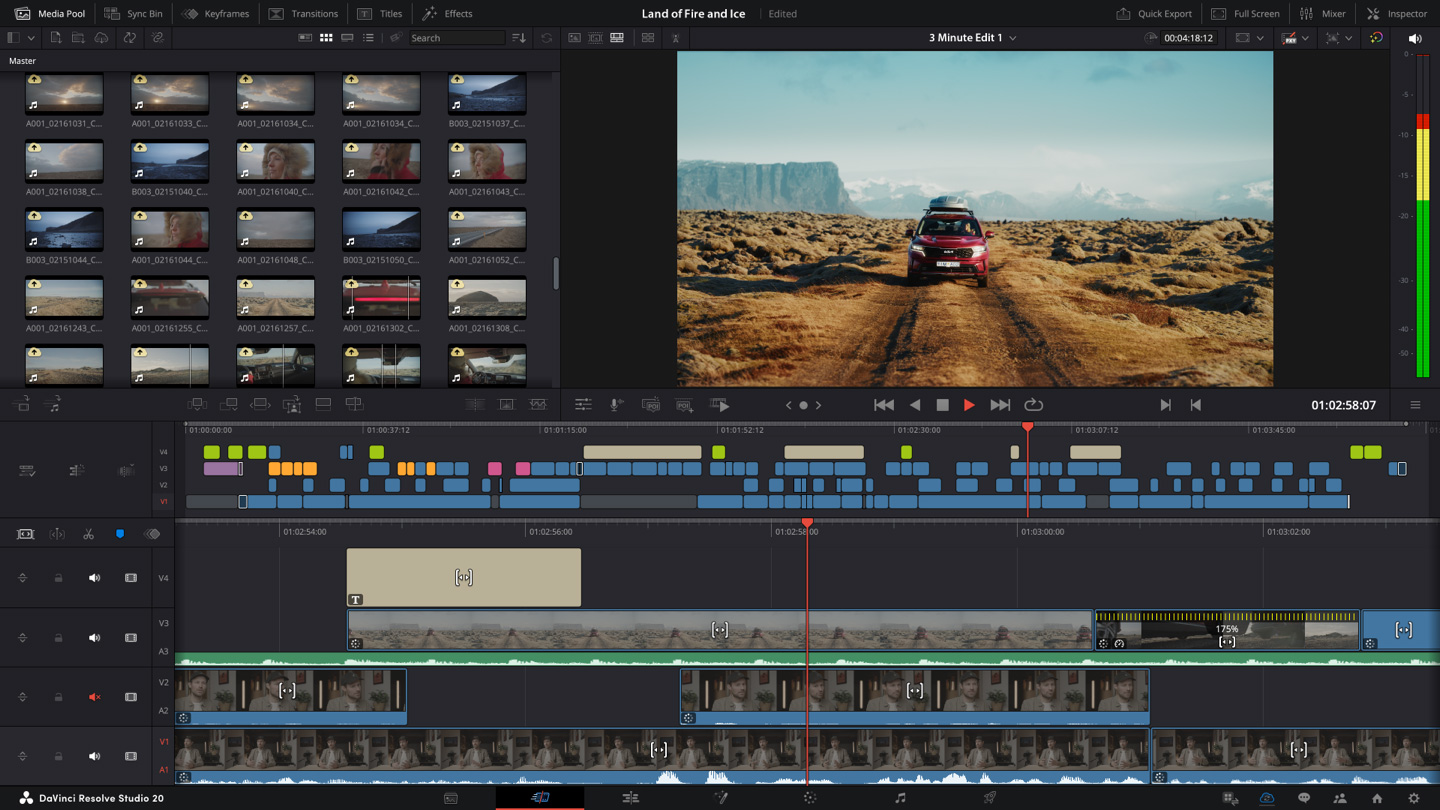
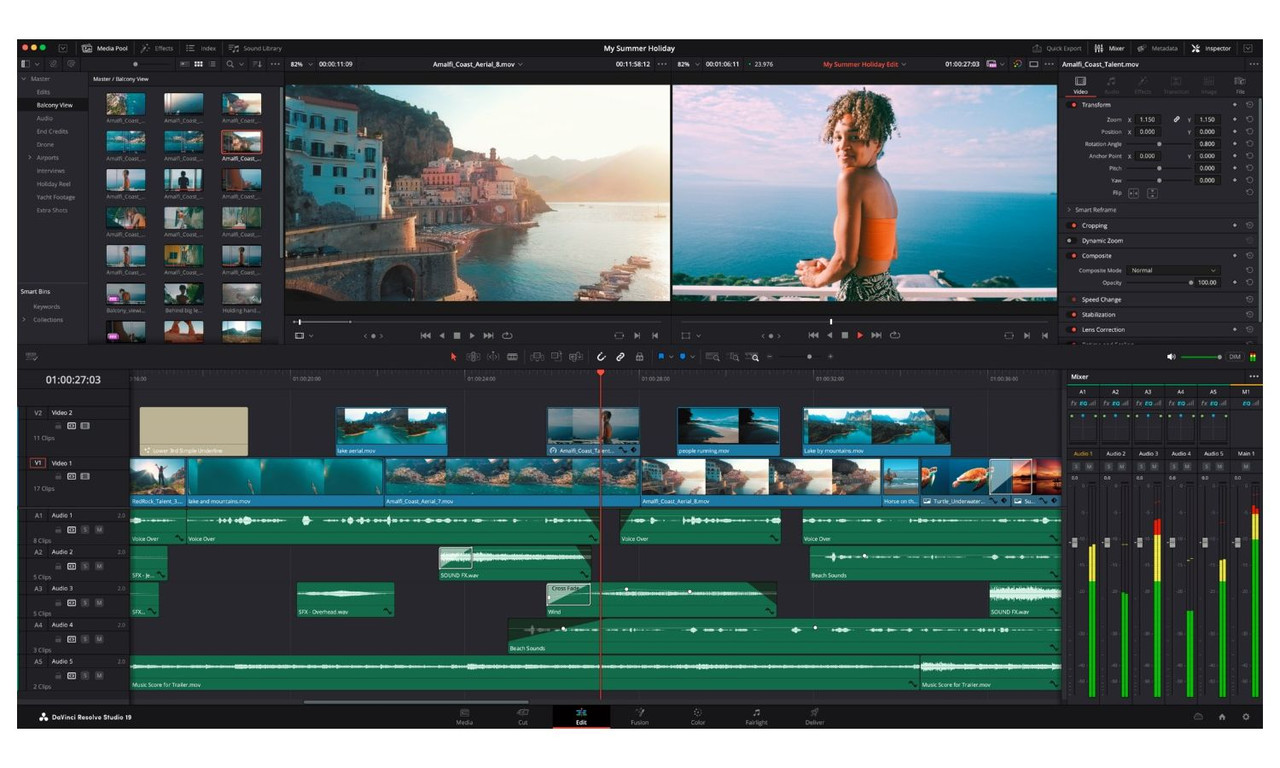
Learning how to use DaVinci Resolve is simple: navigate through the specialized “Pages” at the bottom of the interface to move from your initial cut to the final color grade.
- Editing: Use the Cut or Edit pages to assemble your story with fast, intuitive trimming tools.
- Color Correction: Apply LUTs or manual adjustments in the Color page to achieve a professional cinematic look.
- Final Delivery: Use the Deliver page to export your project in specific formats for YouTube, Netflix, or theatrical release.
Version Comparison
- Free Version: Includes 4K output, advanced color grading, and Fairlight audio.
- Studio Version: Adds the DaVinci Neural Engine, stereoscopic 3D tools, and advanced noise reduction.
Reviews
No reviews yet