
Audacity
Audacity: The Ultimate Open-Source Audio Creator
Audacity is a powerful multi-track audio creator that enables anyone to record and edit professional-grade sound. Its accessible interface lets you bring scripts to life through high-quality voiceovers and sound design, streamlining the creative process for independent filmmakers and audio engineers alike.
Why Use Audacity for Your Next Project?
Sound designers often ask: is Audacity free? Yes, Audacity is a completely free, open-source resource that rivals many paid digital audio workstations. It serves as a robust production tool, ensuring you stay on schedule by offering a wide array of effects and a clean workflow that handles everything from basic trimming to complex noise reduction.
Key Features:
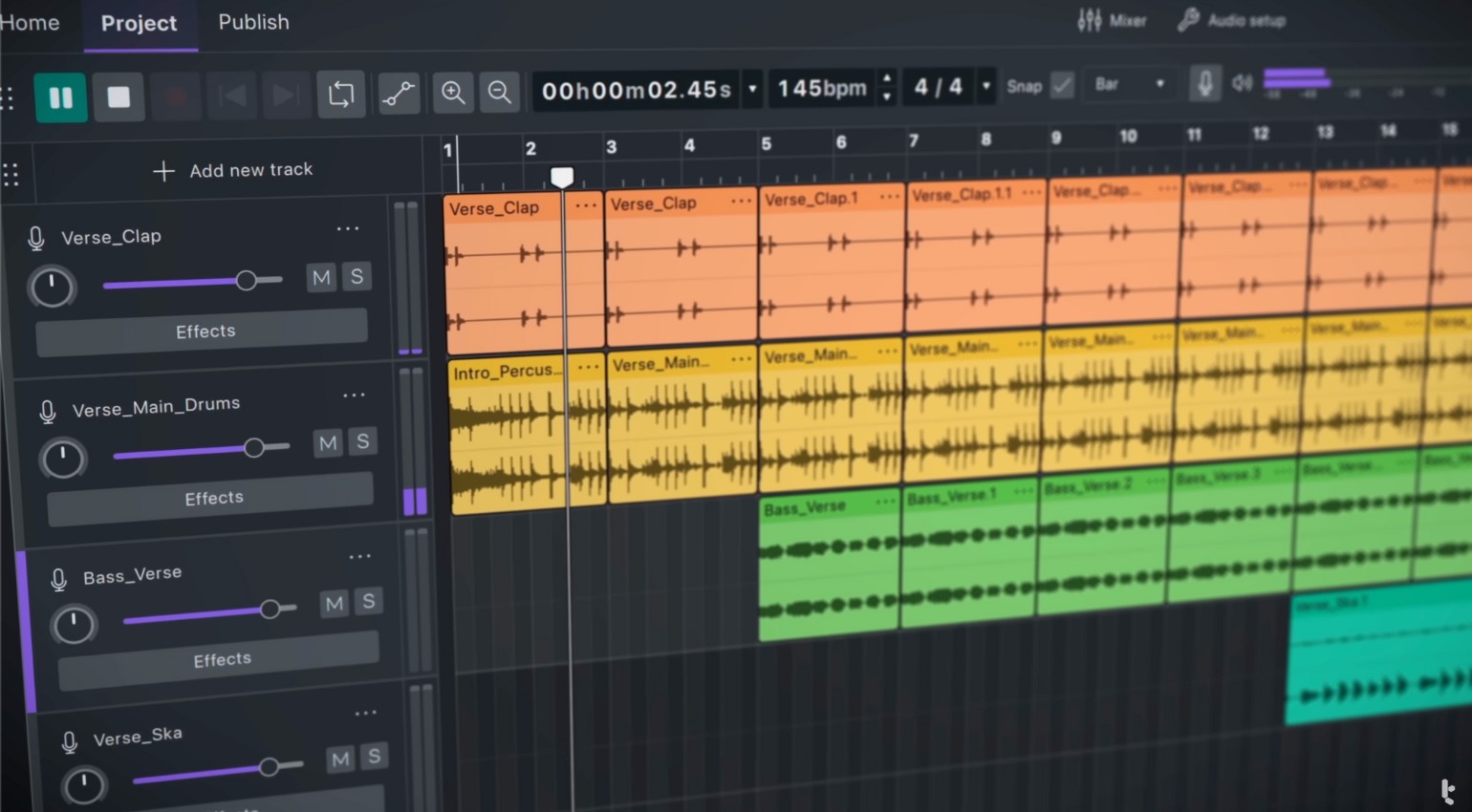
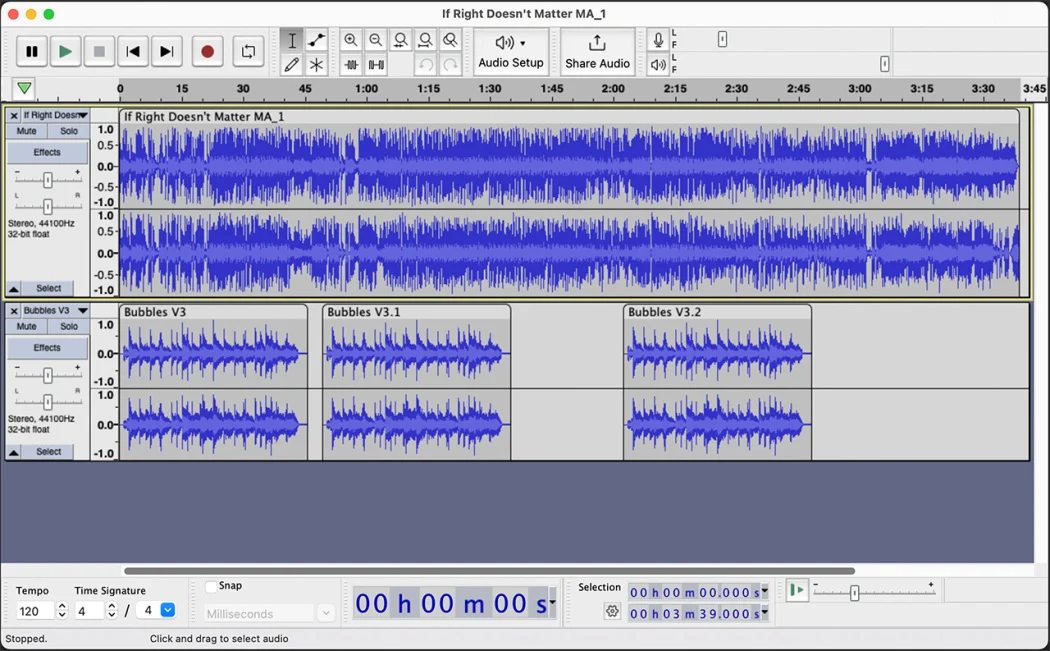
- Multi-Track Editing: Mix multiple audio layers and sync them perfectly with your video.
- Live Recording: Capture high-fidelity audio directly through your microphone or mixer.
- Extensive Effect Library: Use built-in tools for equalization, compression, and reverb.
- Plugin Support: Expand your capabilities with VST, AU, and Nyquist effects.
How to Use Audacity for Film and Audio
Learning how to use Audacity is simple: import your audio files or hit the record button to begin building your project.
- Dialogue Cleaning: Apply noise reduction filters to remove background hiss or hum from location recordings.
- Sound Design: Layer foley and ambient tracks to create an immersive cinematic atmosphere.
- Exporting: Save your final mix in various formats like WAV, AIFF, or MP3 for easy integration into your video editor.
Version Comparison
- Standard Version: Always free and updated by the community with the latest bug fixes and features.
Reviews
No reviews yet