
Adobe After Effects
Adobe After Effects: The Ultimate Visual Effects Creator
dobe After Effects is a professional motion creator that enables anyone to build stunning visual effects and complex animations. Its deep layer-based system lets you bring scripts to life with the precision of a dedicated video-editing system, streamlining the creative process for motion designers and VFX artists worldwide.
Why Use Adobe After Effects for Your Next Project?
New designers often ask: is Adobe After Effects free? While Adobe offers a 7-day free trial for beginners, the full version requires a Creative Cloud subscription. It serves as a powerhouse production environment, ensuring you stay on schedule by offering tools to create snazzy animation and elaborate special effects for film, broadcast, and the web.
Key Features:
- Professional Compositing: Combine videos and images into dazzling, multi-layered scenes.
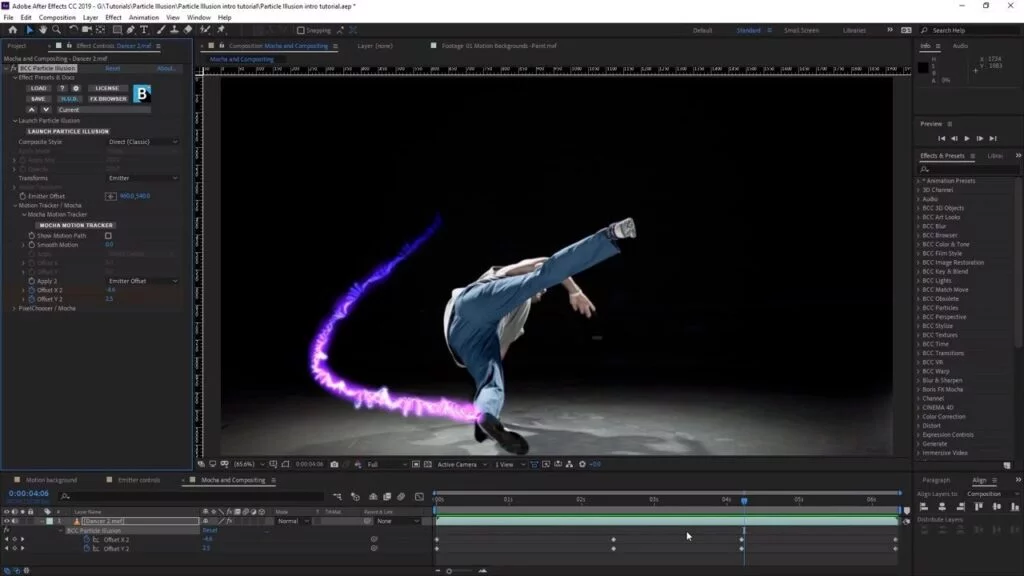
- Global Performance Cache: Preview your work faster with advanced hardware acceleration.
- Data-Driven Animation: Use scripts and expressions to automate complex motion tasks.
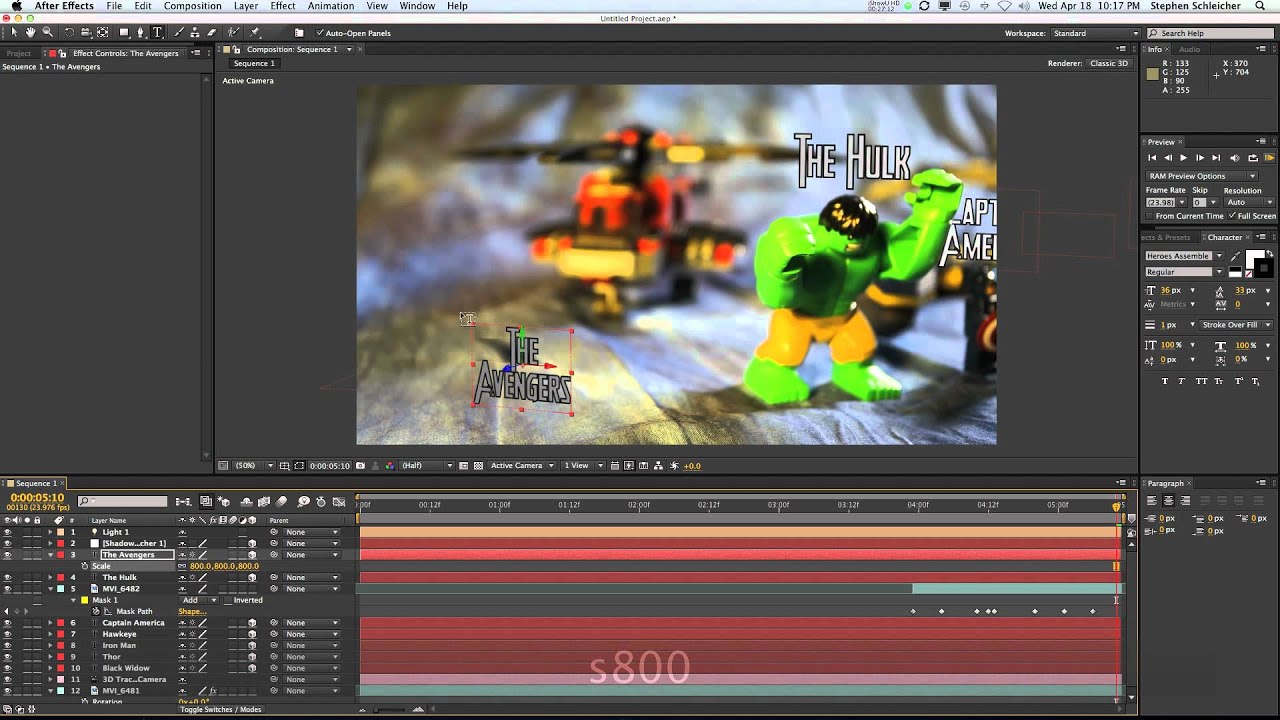
- Cinematic Titling: Design and animate 2D and 3D titles with professional typography tools.
How to Use Adobe After Effects for Film and Video
Learning how to use Adobe After Effects is simple: start by importing your assets into a composition and using keyframes to define movement over time.
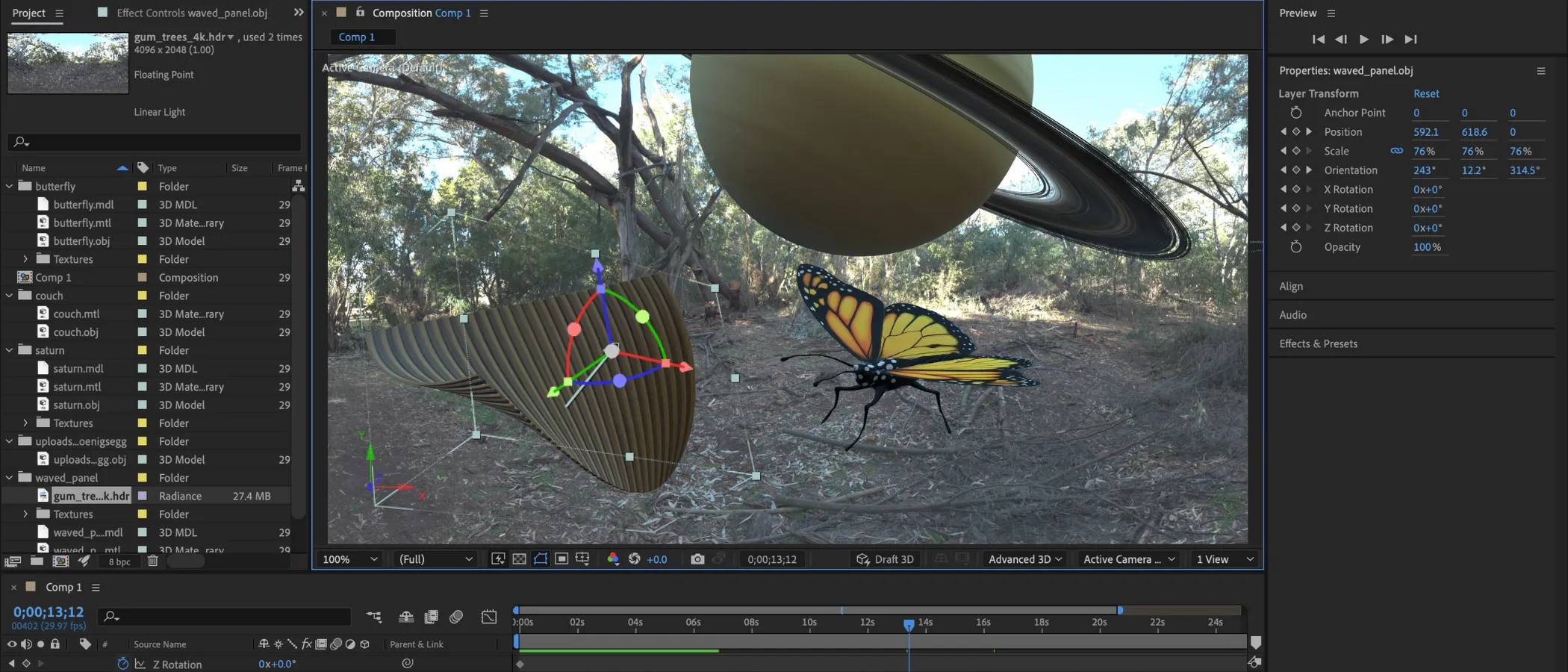
- VFX: Apply motion tracking and image stabilization to integrate 3D elements into live-action footage.
- Animation: Use the puppet tool and shape layers to build smooth 2D character movements.
- Post-Production: Color grade your clips and add atmospheric effects to enhance the cinematic mood.
Version Comparison
- Standard Plan: Includes all core features for motion graphics and 2D animation.
- Creative Cloud All Apps: Provides full integration with Premiere Pro and Photoshop for a seamless workflow.
Reviews
No reviews yet